The app can be installed just like any other native app, with notifications that arrive without having to check for updates.
Installable as a PWA
A Progressive Web App (PWA) that can be installed directly from the browser—on both mobile devices and computers—with dark mode, without having to go through an app store.
Alerts before each match
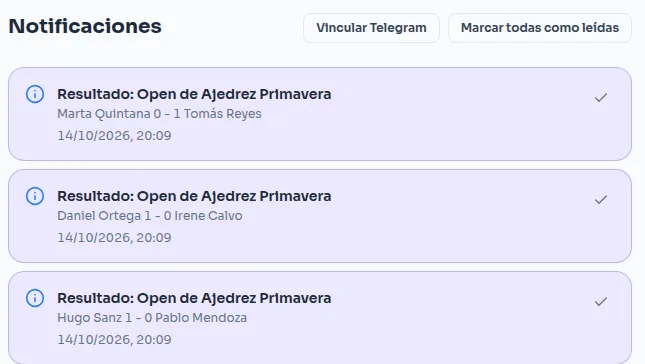
Push notifications before each match and when a result is posted, for any participant in the competition who wants to stay up to date without having to check the schedule.
Following a competition
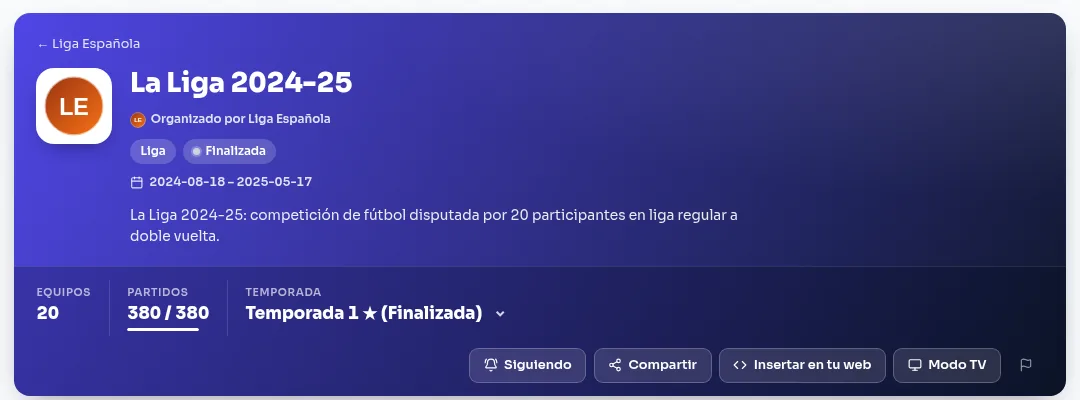
Without being registered in it, anyone with an account can tap "Follow" in a competition's header to get its results, a notice when it starts, another when it ends, and its news, by push and by Telegram if they have those turned on. The competitions you follow appear on your dashboard and under Notifications, where you can also unfollow them.
Your to-dos on the dashboard
The dashboard gathers what needs doing in the competitions you manage: results not yet recorded or disputed, join requests, and competitions ready to start, still missing entries, or with every match played (to move to the next phase or finish them). Each task has its own button to deal with it; when nothing is left, the dashboard says "All caught up".
Telegram as an alternative
Anyone who prefers not to enable push notifications can link their Telegram account and receive the same alerts there — and that's not all: from the chat itself you can also check what's next, standings, challenge someone on the ladder, or move your own match's result along.
Linking your account
From Notifications, in your profile, the "Link Telegram" button opens the bot in Telegram. Tapping Start there links your account right away.
What you can do from the chat
Once linked, chatting with the bot lets you:
- See the list of your competitions.
- Check your next match.
- See your pending ladder challenges, and accept or reject them.
- Challenge a rival on a competition's ladder.
- Check a competition's standings.
- Report your own match's result, and confirm or dispute the one your rival reported.
Type /help in the chat any time to see the full list of commands with their exact format. You can only
report, confirm or dispute your own matches, and challenge someone on a ladder you're already enrolled in.